Importing
Pieces, art, sounds and fonts other people made — and the ones you made yourself — can be brought into the game. There are three ways in.
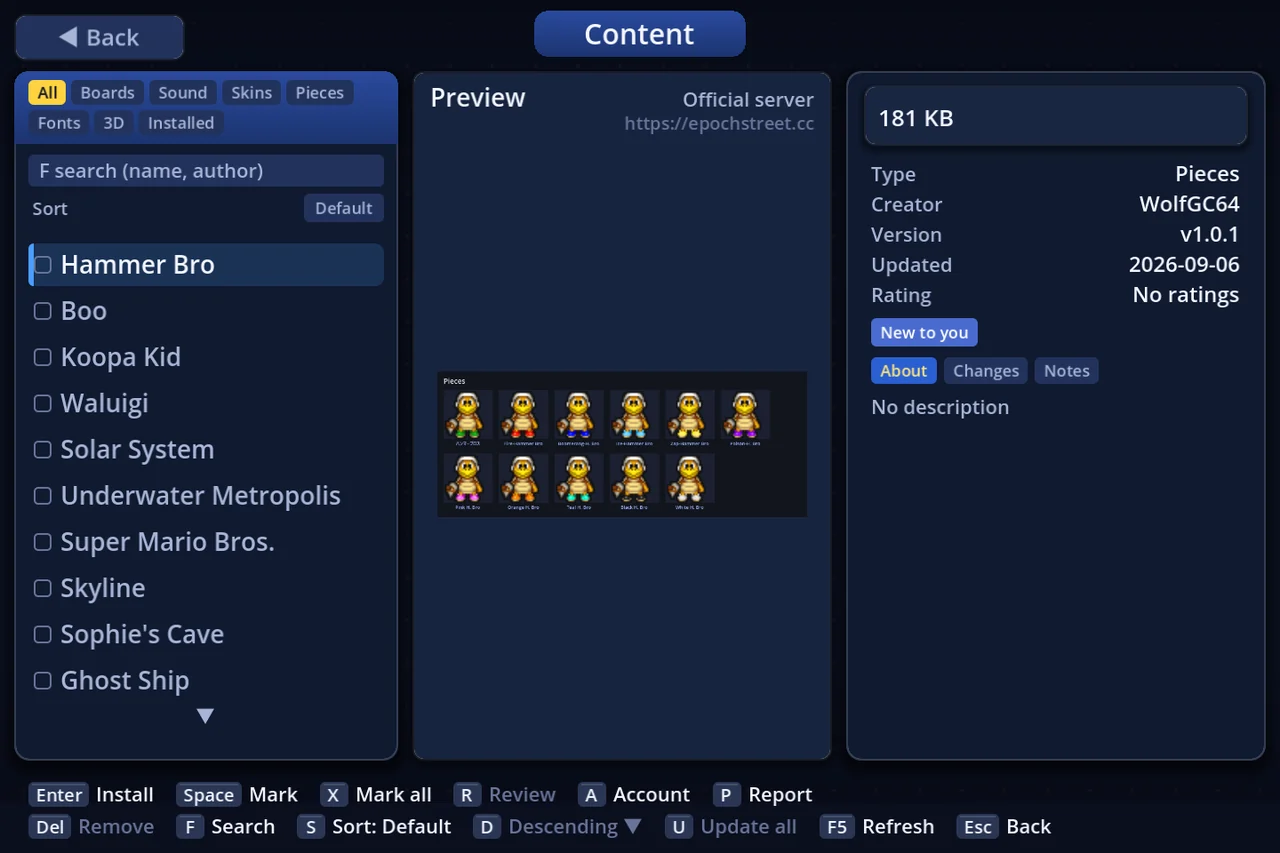
- Drop it on the window — the quickest: drag the file onto a menu screen
- The screen for that kind — press I (import) on its list. Every kind has one
- Downloads & Account — browse what people have published, or let it arrive by itself
⚠ Anything you import is hidden in Streamer Mode by default. Allow the ones you want on stream, one at a time (§6).
1. Dropping a file on the window
Drag the file straight onto the title or menu window. Several at once is fine (not during a match — go back to the menu first). These are taken:
| What you drop | What happens |
|---|---|
| .espiece | Imported as a piece |
| .esskin | Imported as a texture pack |
| .essnd | Imported as a sound pack |
| .zip | Opened and tried as a piece, then a texture pack, then a sound pack |
| .espkg | Installed as what it is (a board, a texture pack, …). It only asks when the same one is already installed |
| manifest.json | Means "the piece is this folder" |
| An image (.png .webp .jpg .jpeg .bmp) | Wrapped as a one-frame piece |
Anything else answers "Not an importable file" and nothing happens.
2. The door for each kind
| What you are adding | Where | Formats taken |
|---|---|---|
| Pieces | Player setup / Settings → Other → Piece settings / the piece picker, press I | .espiece, an image, manifest.json (a folder as-is) |
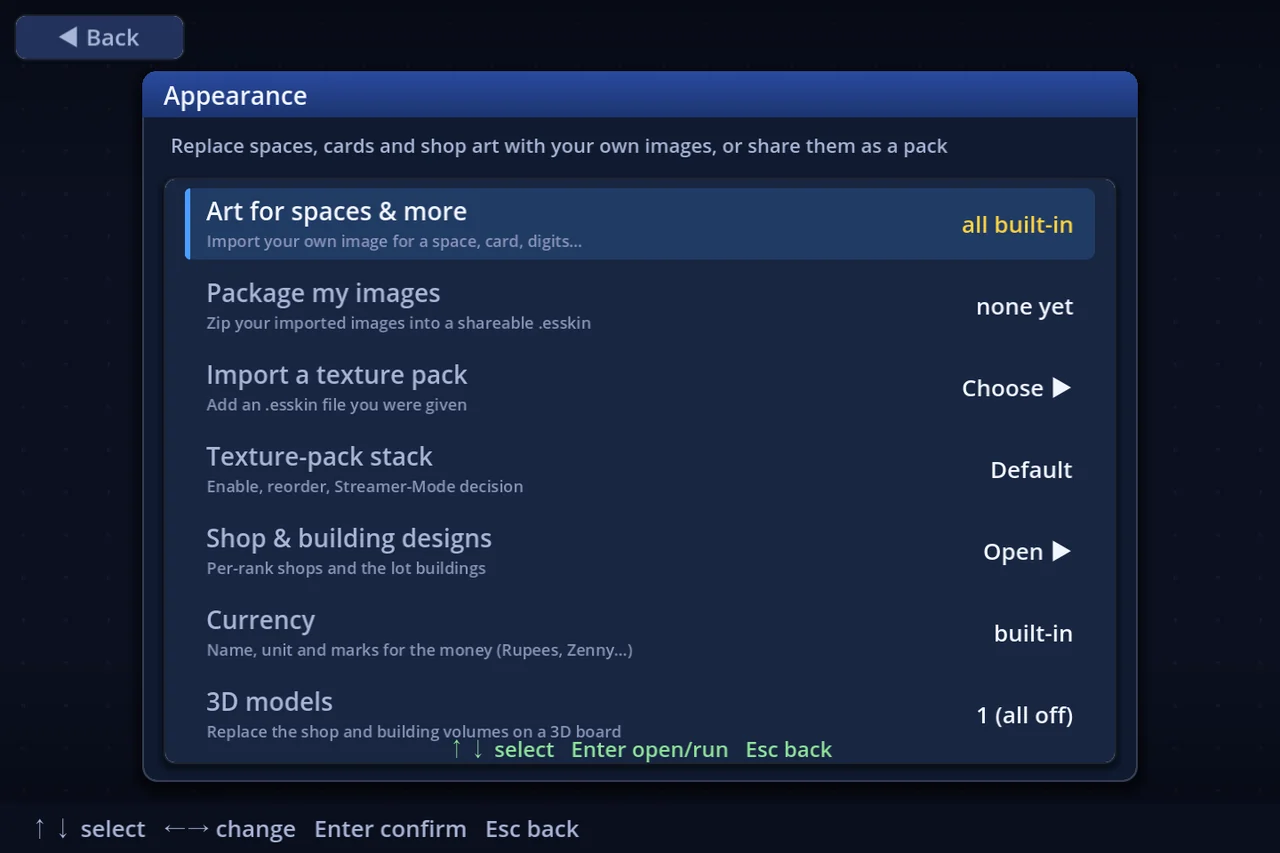
| Texture packs | Settings → Display → Appearance → Import a texture pack | .esskin |
| Single images for squares | Appearance → Art for squares & more, press I | images |
| Shop and building art | Appearance → Shop & building designs | images (and .esskin packs) |
| Guest character art | Appearance → Guest characters, press I | .espiece, images |
| Racer art | Appearance → Racers, press I | .espiece, images |
| Sound packs | Settings → Music → Sound packs, press I | .essnd |
| Single tracks and sounds | Settings → Music → Music settings, press I (L takes them from a pack) | .ogg (looping slots are ogg only), .wav |
| Theme songs | Settings → Music → Theme songs | .ogg, .wav |
| Fonts | Settings → Display → Font | .ttf .otf .ttc .woff2 .woff |
| Presets | Rule settings → Presets (I) / Player setup's own presets / Settings → Other → Settings presets and Controls presets (I in each) | .espreset |
| Boards | Download them under Downloads & Account, or I there to take one from a file (dropping it on the window works too). A board.json you already have opens in the Board Editor | .espkg |
Rule, player, settings and controls presets are four separate lists. Hand one to the other and it says so instead of failing.
3. Size limits
| Format | Limit |
|---|---|
| .espiece | 1 MB per sheet, up to 1024 × 1024 px; at most 16 looks |
| .esskin | 8 MB per pack, up to 2000 images, each at most 1024 × 1024 px |
| .essnd | 64 MB per pack, 16 MB per sound, at most 200 of them |
Anything over a limit is refused before it is imported, and the screen says which limit.
4. Getting things online
Downloads & Account on the title screen browses published boards, pieces, art, sounds and fonts.
- Auto-download published works (Settings → Other)— fetches them at launch. Everything, chosen by kind (boards / sound / skins / pieces / fonts), or off. There is a cap per launch; the rest follow next time
- Auto-update content (Settings → Other)— replaces what you already have with a newer version at launch. With it off you are still told there are updates (Downloads & Account wears a ●)
Downloaded items sit in the same lists as the ones you imported. Only deleting them differs (§7).
How to read that screen, how to fetch several at once, and how to get a board from the website are in "Downloading".
5. Where it all lands
On Windows, imports live under %APPDATA%\EpochStreet\.
| Contents | Folder |
|---|---|
| Pieces | pieces\ |
| Guest character art | guests\ |
| Racer art | racers\ |
| Texture packs and art | skins\ |
| Sounds and sound packs | sounds\ |
| Music | music\ |
| Fonts | fonts\ |
| Downloads | content\ |
| Boards you made | boards\ |
Your original file is never moved. Importing copies it.
6. Streamer Mode hides imports by default
Streamer Mode hides anything that must not go out on a stream or a recording, and everything you import starts out as "not for stream". Nothing made by someone else becomes stream-visible just because it is installed.
Allow the ones you want under Settings → Display → Streamer-Mode assets, one at a time. The decision is remembered against the contents, so re-importing the same file keeps it.
7. Deleting
Settings → Other → Delete imported items removes imported pieces, sounds, art and fonts.
- The bundled items, and anything you put in a
devfolder, cannot be deleted — only imports - Downloaded packs are deleted from the Downloads & Account screen instead
8. When it does not work
| What it says | Usually means |
|---|---|
| Not an importable file | The file is not one of the kinds listed above |
| Invalid piece | The .espiece is missing something or is over a limit; the reason follows |
| A piece with this name exists | Re-importing your own overwrites it; a different one can be kept alongside (the list shows "name (2)") |
| There was nothing to load | A looping music slot takes .ogg only |
Making each kind has a guide of its own —"Making a piece", "Texture packs", "Sound packs". The settings screens themselves are in "Settings".